

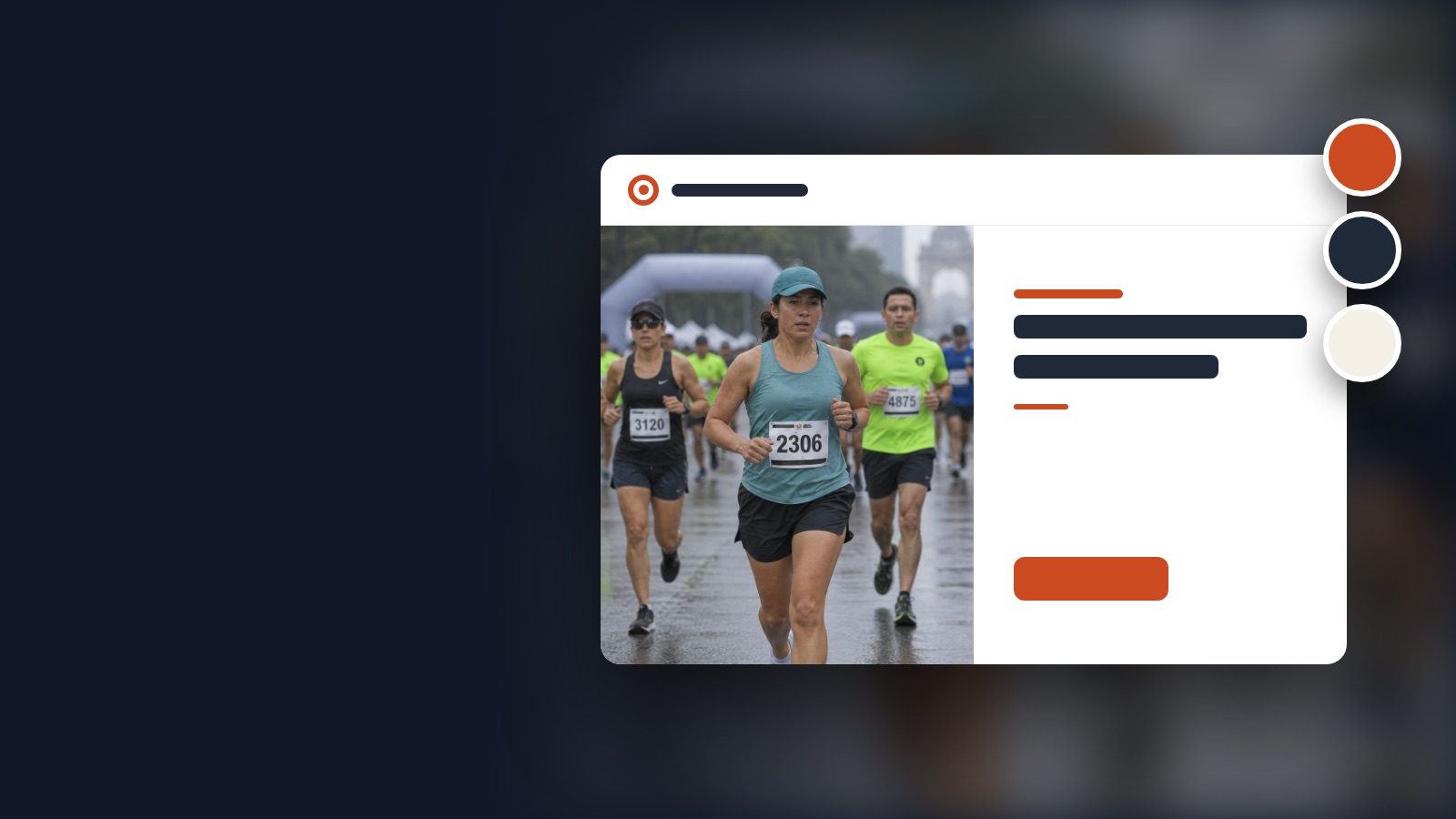

What your clients see
Your brand shows up on everything that is yours: your profile, your private albums and the cart. With a custom domain, your clients never even leave your address.
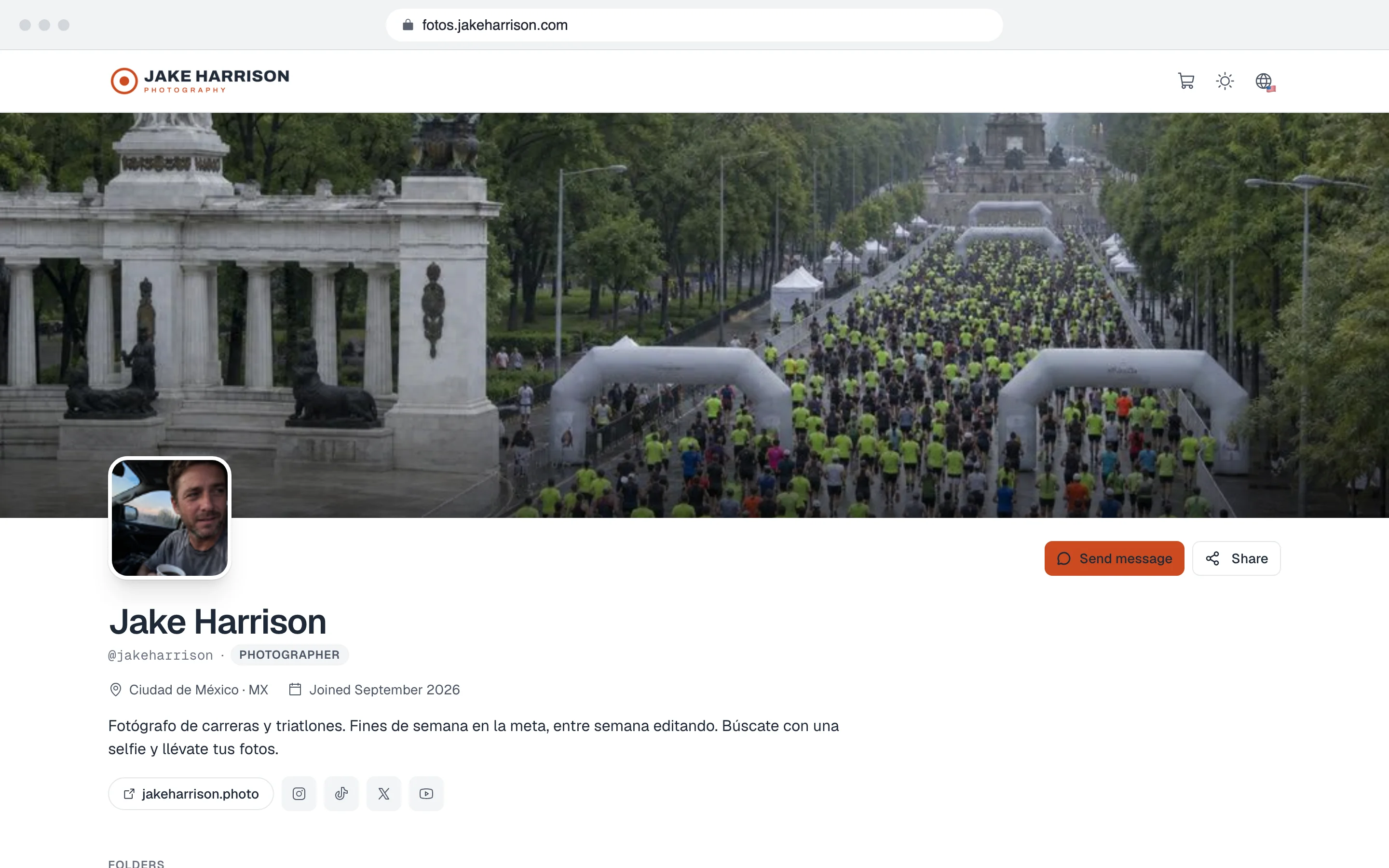
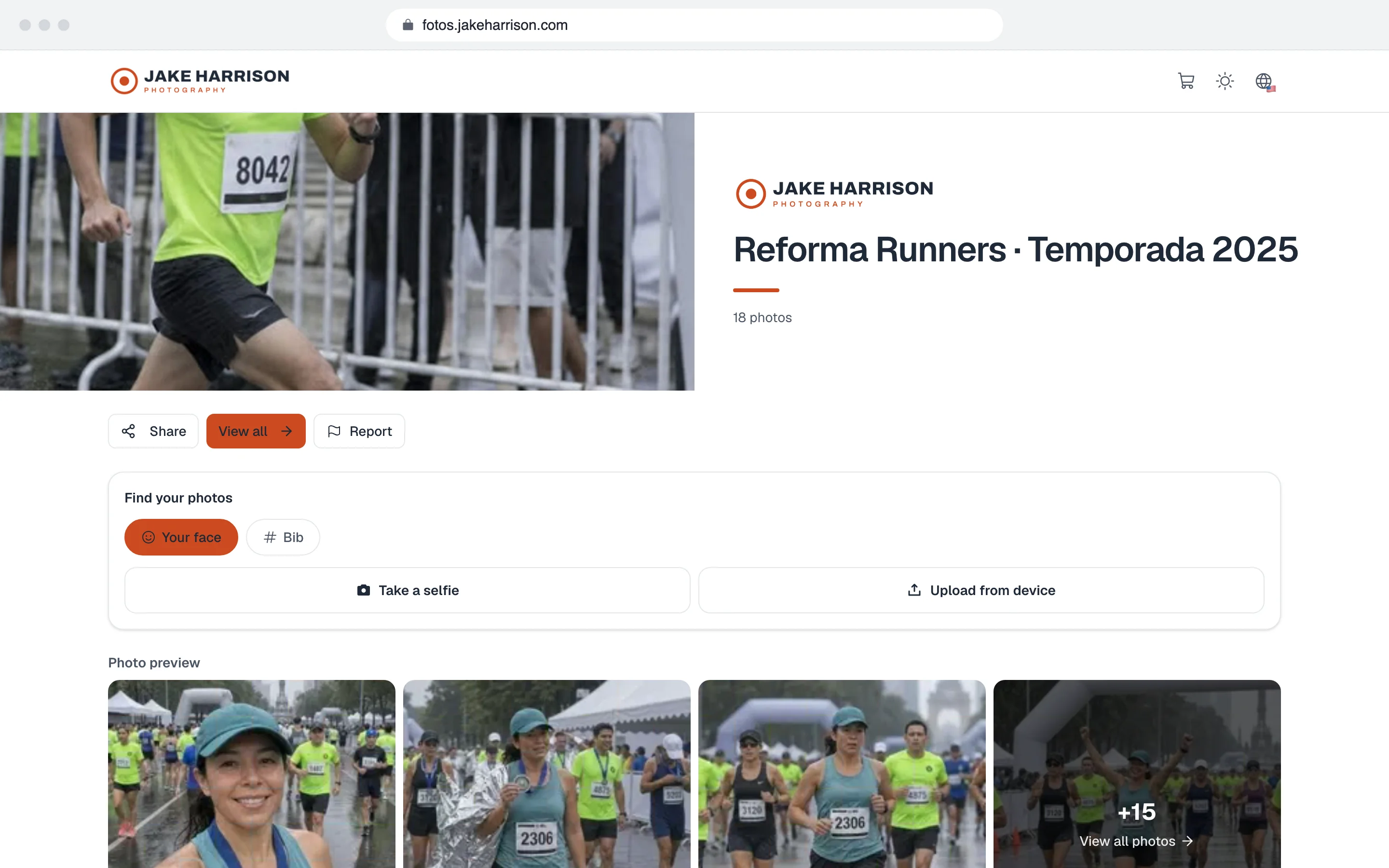
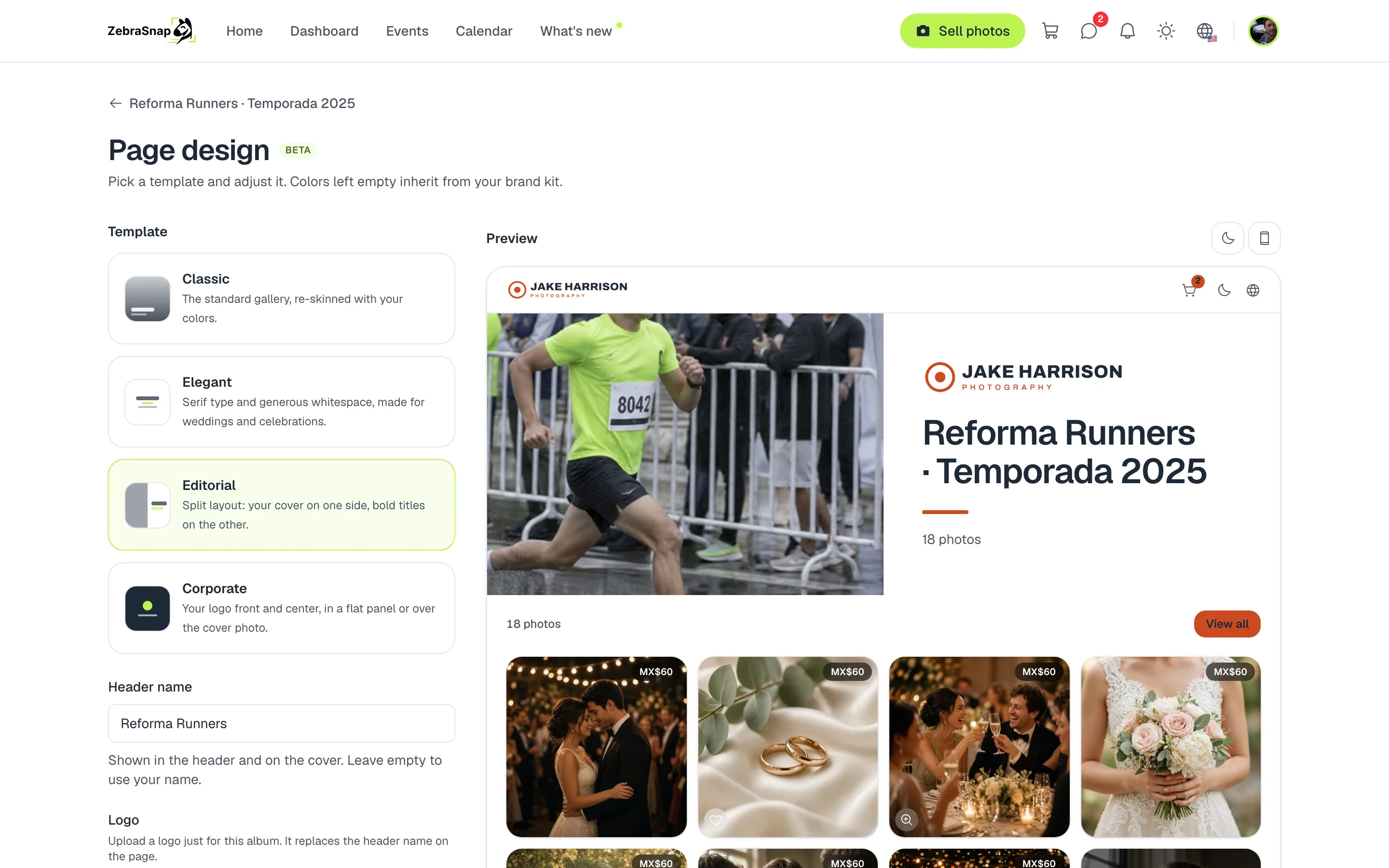
Each private album uses your logo and your colors, with the template you choose.
Upload your logo and choose your colors
- Open your brand. Go to Settings > Public profile > Brand.
- Upload your logo. For light backgrounds takes your main logo, and For dark backgrounds takes a light version for dark mode.
- Choose your colors. The primary color goes on buttons and accents; some templates use the secondary one.
- Check the preview. You see your header in light and dark mode before saving.
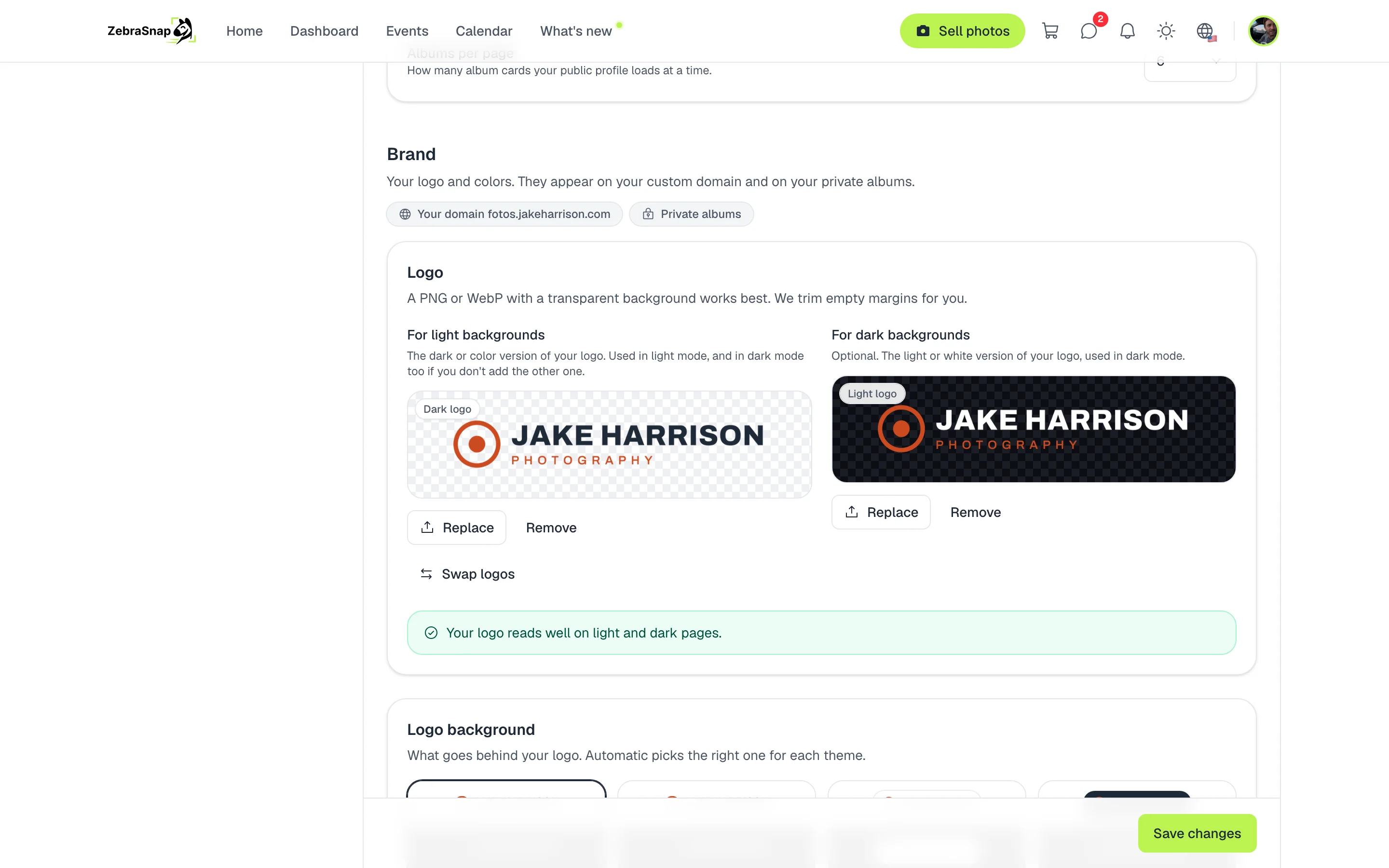
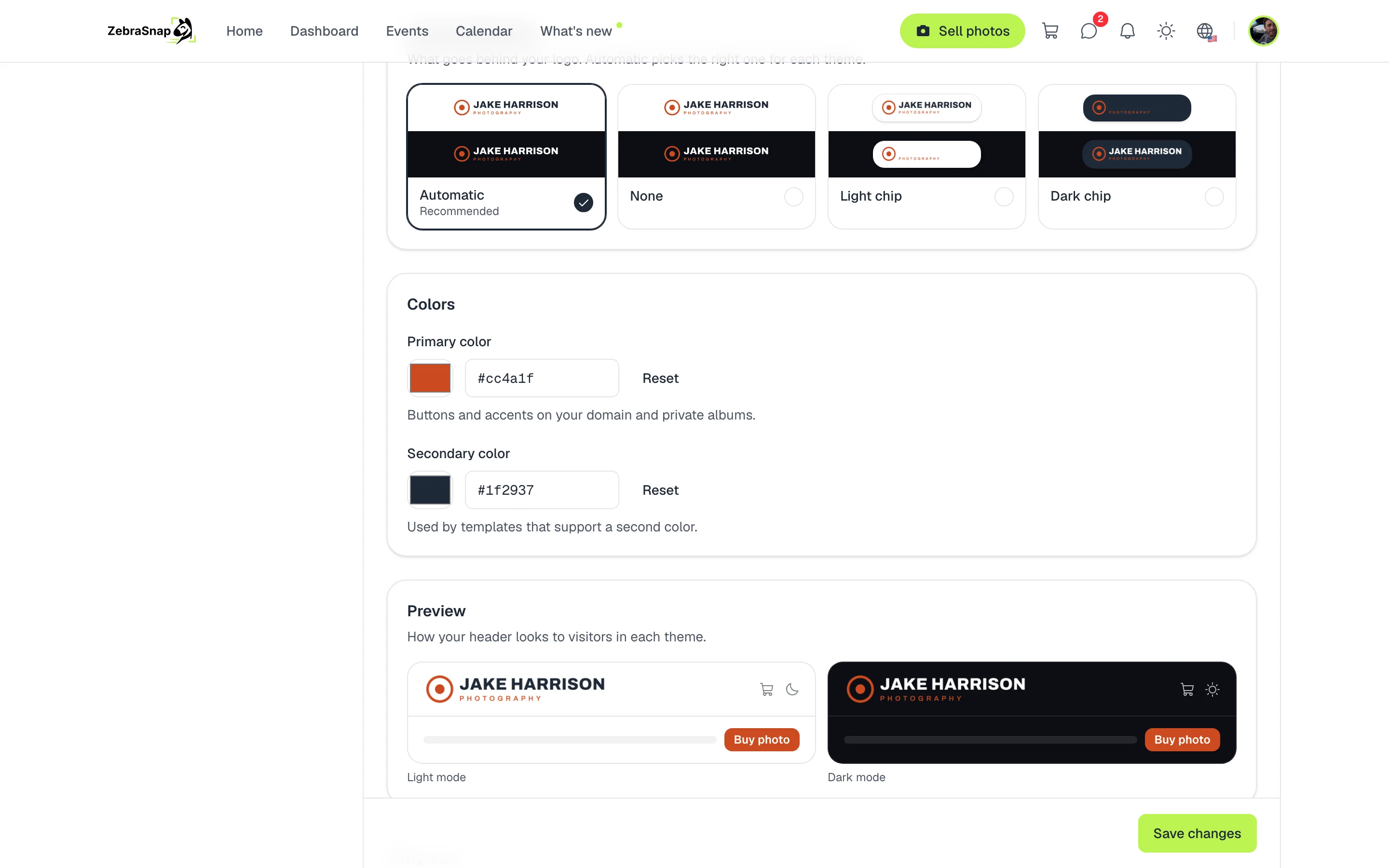
Tip. Use a PNG with a transparent background. If your logo is white, upload it as the main logo and we place it on a dark chip.
Each private album, made to fit
On a private album's design page you choose a template (Classic, Elegant, Corporate or Editorial), the header text and, if you want, a different logo and different colors. That way you deliver a client's album with their own brand.
Your address and your watermark
- Custom domain. Your profile, your albums and the cart at an address like photos.yourname.com. See Custom domain.
- Watermark. Your name or your logo on every preview photo. See Watermark.
- Links you share. With a custom domain, the image of each link carries your logo and your address.
How other photographers use it
Your own photo site
With your domain, your clients go to photos.yourname.com and see your profile, your albums and the cart with your logo and your colors.
A client with its own brand
For a company's internal race, the private album carries the client's logo and colors instead of yours.
Light and dark mode
You upload a light version of your logo and it looks right even when your client has their phone in dark mode.
Frequently asked questions
- Where does my brand show up?
- On your private albums and, if you have a custom domain, on every page of your domain and on the images of the links you share.
- Do my clients see the ZebraSnap brand?
- Only a discreet line at the bottom of the page. The header, the colors and the template are yours.
- What format should my logo be?
- A PNG or WebP with a transparent background. We trim the empty margins for you and show you how it will look.
- Can I use a different logo on one album?
- Yes. Each private album can have its own logo, its own colors and its own template.
- Do I need a paid plan?
- Your logo, your colors and private albums are on all plans. A custom domain is on paid plans.
- All plans
- Custom domain on paid plans