

Help center
Your photos and your privacy
Ask for photos of you or your child to be removed, report a photo, and learn what happens with the selfie you use to search.
In short
- Want a photo of you removed? Open the photo and use Report, or contact us. Tell us which photos and why.
- Photos of a minor: a parent or guardian can ask us to remove them. We treat these requests first.
- Your selfie is only used to find your photos. We delete the face data after the search unless you choose to save your selfie.
Asking for photos to be removed
Event photographers take pictures in public races and events, and most people are happy to find them. If you are not, you can ask for photos of you to be taken down.
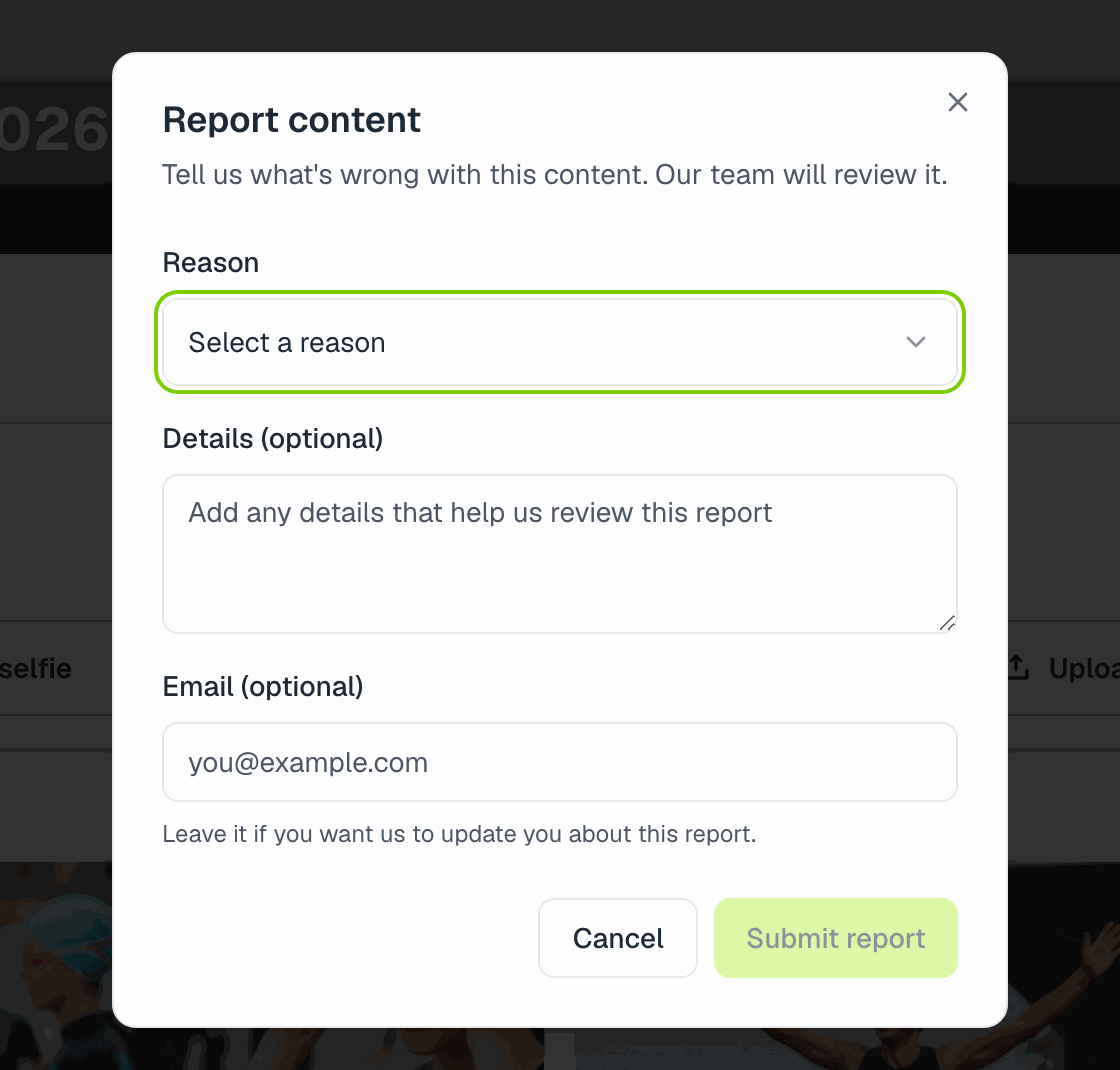
Report a photo. Every photo and album has a Report option. Choose the reason that fits best (for a photo of you, Other works) and describe the problem. Leaving your email lets us reply.
Or contact us directly. Use the chat bubble or contact us and include:
- The link to the album or photo (copy it from your browser).
- Which photos, if there are several (open each one and copy its link, or describe them: bib number, clothes, time).
- Your name and an email where we can reach you.
We review every request and, when it applies, remove the photos from sale and from public view. We may also let the photographer know.
Photos of minors
If the photos show your child, write to us as the parent or guardian, with the links and the photos you mean. We handle these requests with priority.
Photographers can also mark an event as Event with minors, which keeps it out of public event listings and search.
Your selfie and face data
When you search with a selfie, we turn it into a face template to compare with the photos in that album or event. That template is deleted after the search, unless you decide to save your selfie in your account to search faster next time. You can remove a saved selfie from your profile settings at any time.
Photographers' photos are analyzed for faces and bib numbers only so people can find their own photos. We don't sell that data and we don't use it for anything else.
The full details are in our privacy policy.
Messaging a photographer
If you would rather talk to the photographer first (for example to ask them to leave out a photo, or for an edited version), open their profile and tap Send message. You don't need an account: we ask for your name and email and their reply reaches you by email.
Still need help?
Can't find what you're looking for? Our team is happy to help.